
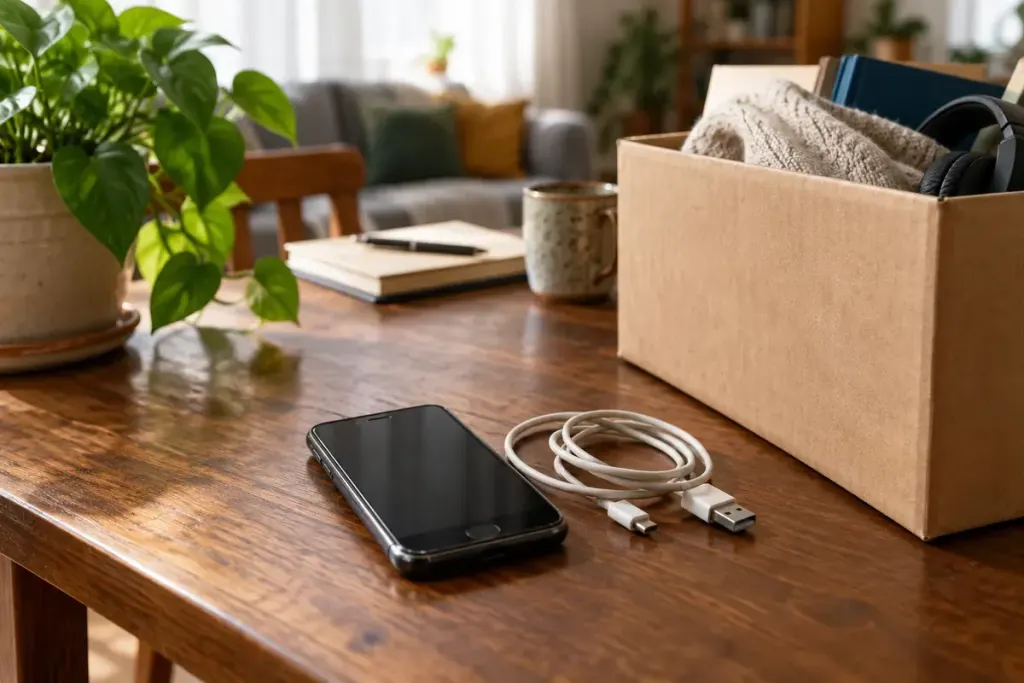
A working phone can have a useful second life, but cleaning the screen and finding a charger do not finish the handover. Personal data and account locks need attention before another person can use it safely.
Use the manufacturer’s current procedure for the exact device. Apple’s handover checklist and Google’s Android reset guidance describe relevant steps and conditions. Manufacturer-specific instructions may add requirements beyond a generic reset menu.
Preserve access before erasing
Confirm that needed photos, files and contacts are backed up or transferred and can actually be opened. Check authenticator apps, banking access and other services that may depend on the old phone. A backup icon alone does not prove every important item is recoverable.
Plan the SIM or eSIM transfer with the relevant provider and remove removable storage where applicable. Handle paired devices and account associations according to the official instructions.
Complete the supported handover
Sign out or remove the appropriate account associations as instructed, then use the supported erase process. Do not manually delete synced photos or contacts as a substitute; depending on the service, that can also remove them from other devices.
Verify the expected setup screen and confirm that the recipient will not be blocked by an unresolved ownership lock. Do not give the next owner your account password as a workaround.
If the device cannot be erased or safely used, seek the manufacturer’s or a reputable recycler’s guidance. A damaged or swollen battery also needs appropriate handling rather than an ordinary parcel handover.
Record the model, condition and included accessories honestly when donating or selling. Reuse works best when the recipient receives both a functioning device and a clean, understandable starting point, while your own data and access remain under your control.